

Remote assistance and remote control are radically transforming the way companies manage their technical support and IT maintenance.
These technologies now allow solving most problems without physical travel, generating substantial savings for organizations.
However, faced with the multitude of options available on the market, choosing the most suitable solution for your specific needs can prove complex.
Remote Control Software: A Market Dominated by a Few Giants
Historical Leaders and Their Advantages
The remote control software market is largely dominated by a few major players that have established themselves over the years. TeamViewer, AnyDesk, and LogMeIn are among the most recognized and widely used solutions, particularly in the B2B sector.
These platforms stand out with their advanced features and robustness, meeting the complex needs of large enterprises. For example, TeamViewer offers real-time collaboration tools, while LogMeIn excels in centralized access management for IT teams.
A Strong Presence in the Professional World
These industry giants have won a large share of the professional market thanks to their reliability and ability to adapt to complex enterprise environments. According to this list of the best remote support solutions, these tools are essential for secure file transfer, session recording, and advanced access rights management.
Here is an overview of the main characteristics of these market leaders:
| Solution | Strengths | Target Sectors |
|---|---|---|
| TeamViewer | Intuitive interface, multi-platform compatibility | SMBs, large enterprises |
| AnyDesk | High performance, low latency | Startups, freelancers |
| LogMeIn | Enhanced security, centralized management | Large enterprises, financial sector |
The Limitations of Dominant Solutions

Sometimes Prohibitive Costs
Despite their many advantages, these leading solutions have certain limitations that can hinder their adoption, particularly for small structures or occasional users. The main obstacle is often the high cost of licenses, which can quickly become prohibitive for an SMB or a freelancer.
For example, TeamViewer offers enterprise packages starting at several hundred euros per year, which is a significant investment for a small structure. Moreover, these tools generally require a long-term commitment, which may lack flexibility for some users.
Sometimes Excessive Complexity
Another barrier to adopting these solutions is their complexity of use and deployment. Advanced features, while useful for large enterprises, can prove superfluous and a source of confusion for simpler needs.
This complexity also translates into longer training times for teams and a sometimes steep learning curve. For users seeking an occasional remote control solution or for basic needs, these tools can seem oversized.
The Emergence of Lighter and More Innovative Alternatives
Solutions Adapted to New Needs
Faced with the limitations of dominant solutions, new lighter and more flexible alternatives have appeared on the market. These tools aim to meet the specific needs of small structures and occasional users, offering essential features without the excess.
Among these emerging solutions, EasyRemote by Septeo stands out with its ease of use and user-centered approach. This platform offers quick setup, without complex installation, ideal for one-off interventions or occasional remote technical support.
Advantages of New Solutions
These alternatives offer several advantages over traditional solutions:
- Controlled costs: More affordable pricing and flexible billing models
- Ease of use: Intuitive interfaces requiring little or no training
- Quick deployment: Near-instant setup, without complex configuration
- Flexibility: Ability to adjust features according to needs
Essential Features Not to Sacrifice
Security and Confidentiality
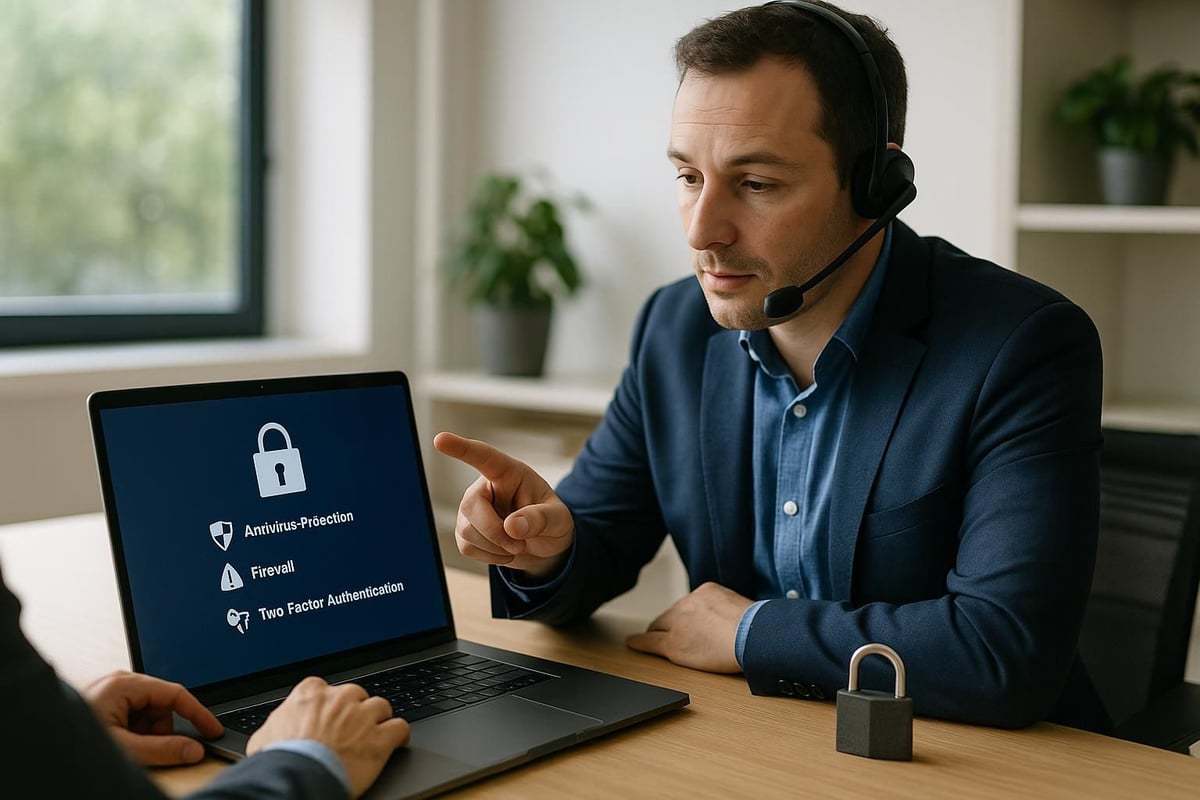
Despite the search for simplicity, certain features remain indispensable to guarantee safe and effective use of remote control tools. Security tops the list, with the need for end-to-end encryption of communications to protect sensitive data during interventions.
Modern solutions must also offer robust authentication mechanisms to prevent unauthorized access. Fine-grained access rights management allows precisely controlling who can intervene on which systems, thus strengthening overall security.
Compatibility and Performance
Multi-OS compatibility is an essential criterion in an increasingly heterogeneous computing environment. Remote control tools must be able to function seamlessly on Windows and macOS.
Session fluidity remains a key element for ensuring an optimal user experience. Modern solutions must offer minimal latency and sufficient image quality, even on average internet connections, to enable effective interventions.
| Feature | Importance | Impact on Usage |
|---|---|---|
| End-to-end encryption | Critical | Sensitive data protection |
| Multi-OS compatibility | High | Usage flexibility |
| Access rights management | Important | Control and enhanced security |
| Session fluidity | High | Intervention effectiveness |
What Types of Use Are These New Solutions Suited For?
One-Off Technical Support
The new remote control solutions prove particularly suited for one-off technical support. Their ease of deployment and use allows rapid intervention without requiring complex prior installation on the end user’s workstation.
This flexibility proves invaluable for IT teams managing varied and unpredictable assistance requests. For example, a technician can quickly take control of a remote computer to resolve a software issue or guide a user through configuring an application.
Remote Infrastructure Maintenance
For remote infrastructure maintenance, these tools are an interesting alternative to traditional solutions. Their lightweight nature and extended compatibility allow intervening on a wide variety of systems, from servers to network equipment, without overloading resources.
System administrators particularly appreciate the ability to perform updates, configurations, or diagnostics remotely, thus reducing intervention times and costs associated with physical travel.
Remote Work and Distance Collaboration
The rise of remote work has considerably increased the need for flexible and secure remote control solutions. New platforms meet this demand by providing features adapted to remote collaborative work:
- Multi-screen: viewing the number of screens of the remote machine and quick switching between them without usage limits.
- Secure large file transfer for exchanging documents
- Secure access to remote business applications
These tools allow geographically dispersed teams to work together effectively, as if they were in the same office. They also facilitate the onboarding and training of new remote employees, a real challenge in today’s context.


