

If you have subscribed to the Plus or Team version of ChatGPT, you will automatically have an invoice associated with this subscription.
To access your invoice, log in to your OpenAI account, go to the ChatGPT home page, and click on your name at the bottom left > Settings.
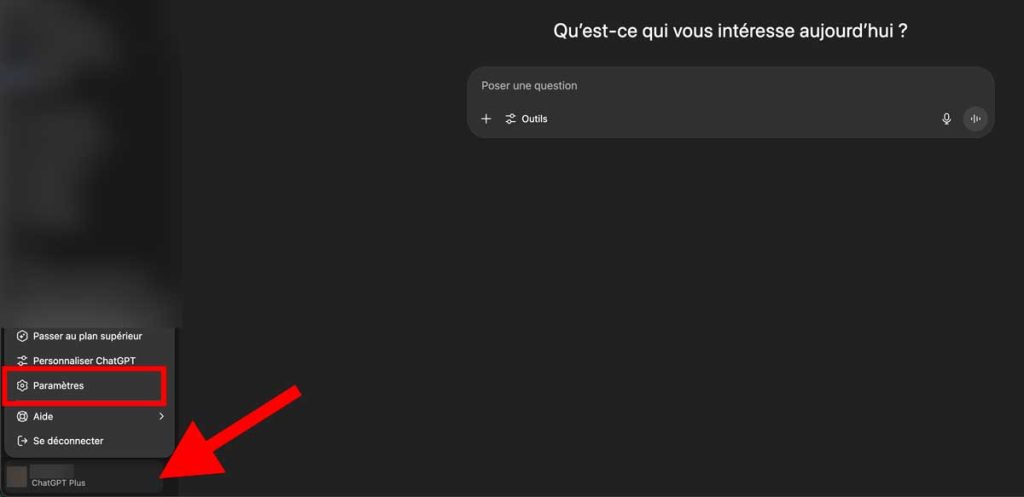
Once in the settings, click on the Account tab > Manage.

You will then be redirected to a page with all your invoices with the pricing per month.

To see the details of an invoice, simply click on the line associated with it.

Then click on Download invoice to download it.

To go further, we recommend reading our article on Claude VS ChatGPT.


